

Manually adding PlanetScale environment variables to your Vercel project
Connecting your PlanetScale database to your application using the Vercel integration
Prerequisites
- A PlanetScale database — If you haven’t created a database, refer to our PlanetScale quickstart guide to get started
- A Vercel account
- A project deployed to Vercel — If you’re just poking around and don’t already have an application to deploy, you can use our Next.js + PlanetScale sample
Manually connect to Vercel
Get your connection string from PlanetScale
In your PlanetScale dashboard, click on the database you want to connect to.
Select the framework you’re using from the “Select your language or framework” section. This will give you the exact environment variable names you need for your selected framework. If your framework is not listed, choose “Other”.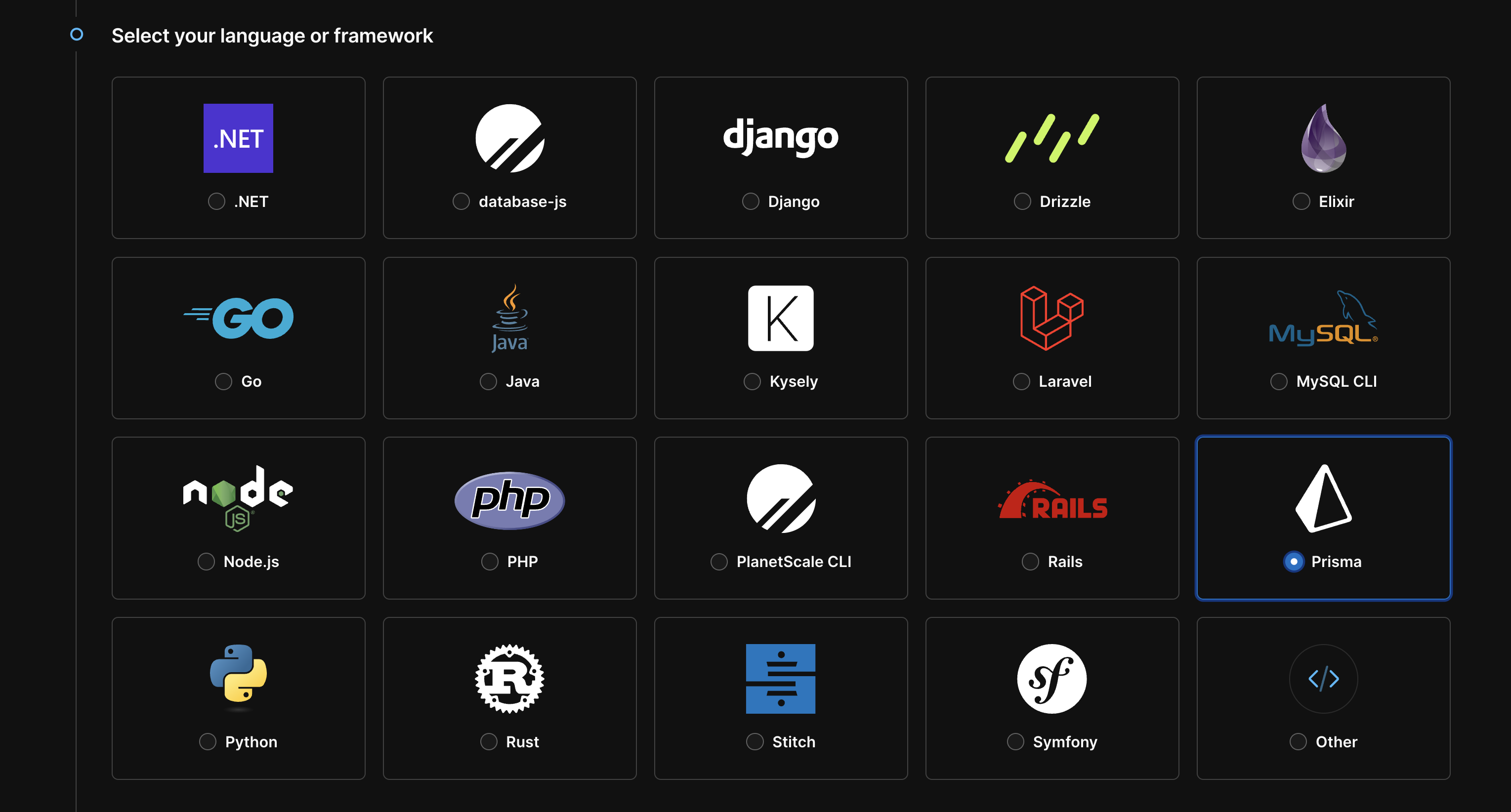
Copy environment variables to Vercel
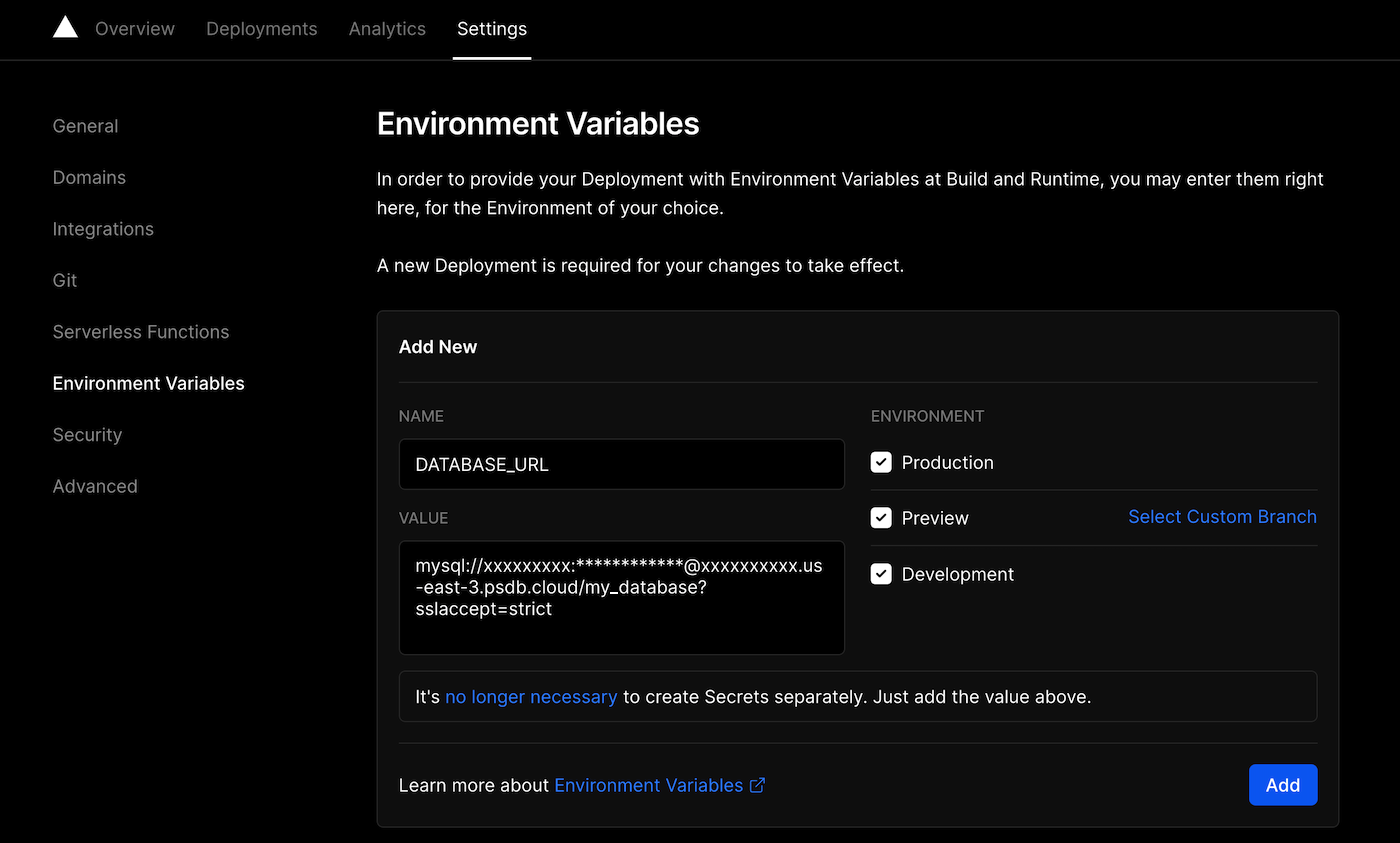
For example, if you’re using Prisma, your connection string will look similar to this:
- NAME =
DATABASE_URL - VALUE =
mysql://xxxxxxxxx:************@xxxxxxxxxx.us-east-3.psdb.cloud/my_database?sslaccept=strict
The credentials are blurred for the example, but when you paste them in, use the actual values.
Deploy with the PlanetScale Vercel integration
If you don’t want to copy and paste the environment variables over to Vercel, you can use the PlanetScale integration from the Vercel marketplace. You can choose which database you want to connect to, and we’ll automatically pull the necessary environment variables into your Vercel project.You must have an existing PlanetScale database to use the integration. You can create a database in the PlanetScale dashboard.
Click “Add integration” on the Vercel integrations page.
Select the Vercel project you want to connect to, and beneath that, select the framework you’re using. If the framework isn’t listed, select “General”. This selection is what determines the names of the environment variables.
On the right side, choose the PlanetScale Organization that the database is in. The integration will remain tied to this Organization and cannot be changed.
Configure your connection
After you set up the initial connection, you also have the option to configure the PlanetScale connection, add more databases to the project, or remove databases from the project. To access the configuration page:If you’re modifying an existing connection on a Vercel project, these environment variable values will be regenerated and overwritten.
- Environment variables are removed from all projects tied to the integration.
- Your application will no longer be able to connect to your PlanetScale database.